
Assembling your Ario
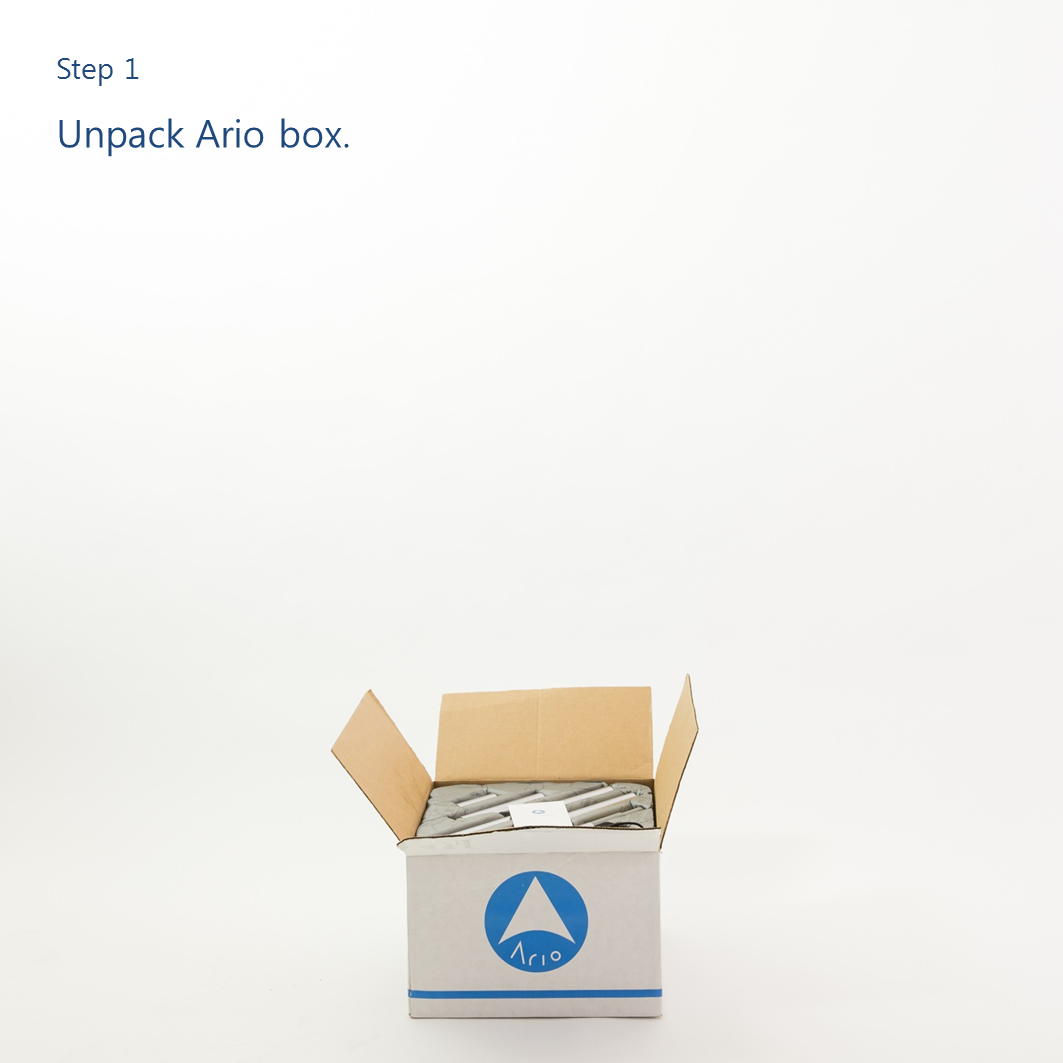
Ready to put your Ario together? Follow this step-by-step guide. Screwdriver recommended.
This guide is for a floor lamp. If you want a table/desk lamp, simply skip steps 4 and 4.5.
The Basics
Now that you’ve got your Ario put together, here’s how it works.
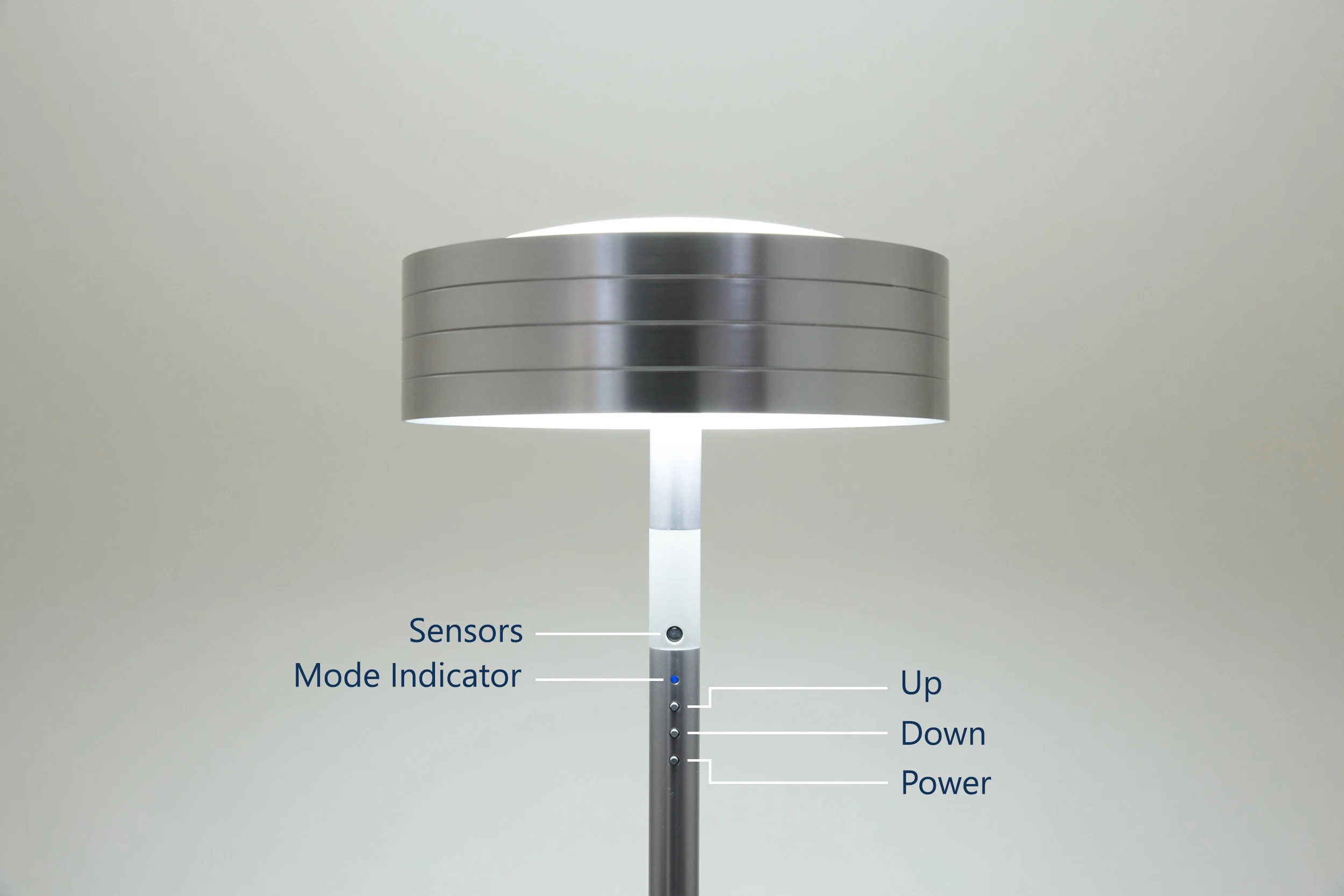
Click the Power button to turn Ario on. Hold the Up and Down buttons to change Ario’s brightness.
To adjust your Ario’s color temperature, you can change Ario to Color Mode by holding the Power button for 3 seconds, and then using the Up and Down buttons.
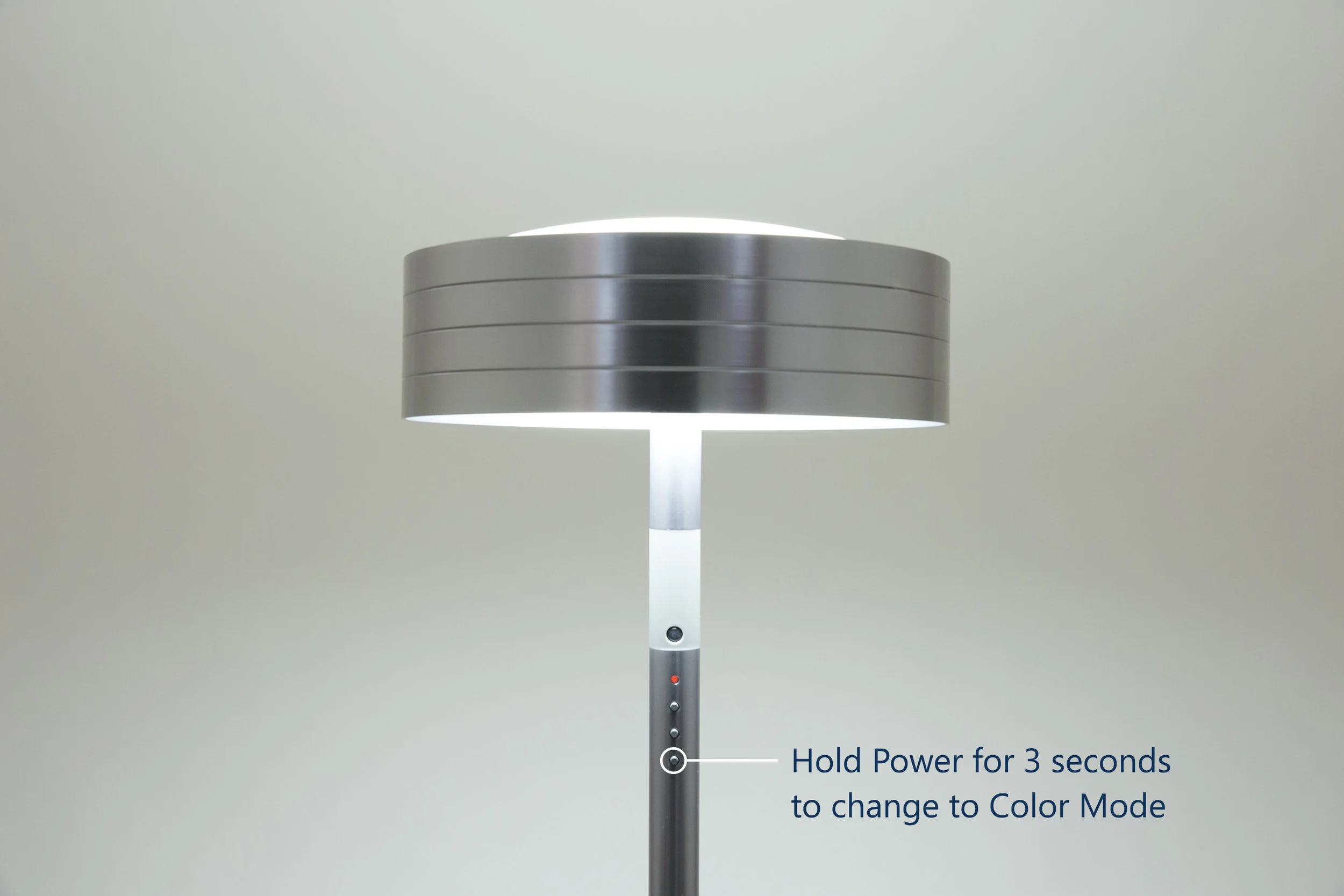
The status indicator will turn orange…
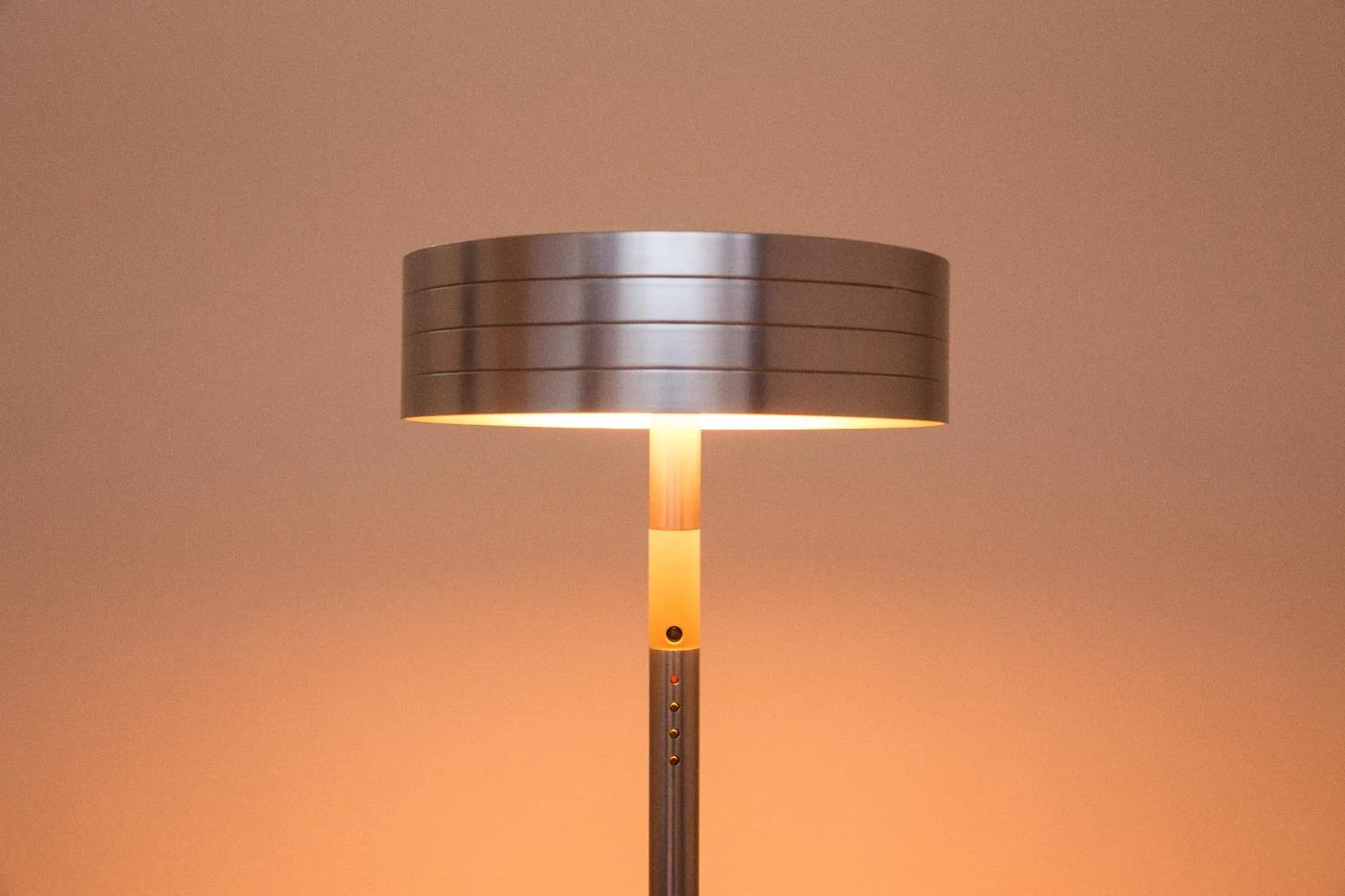
Warmer colors…
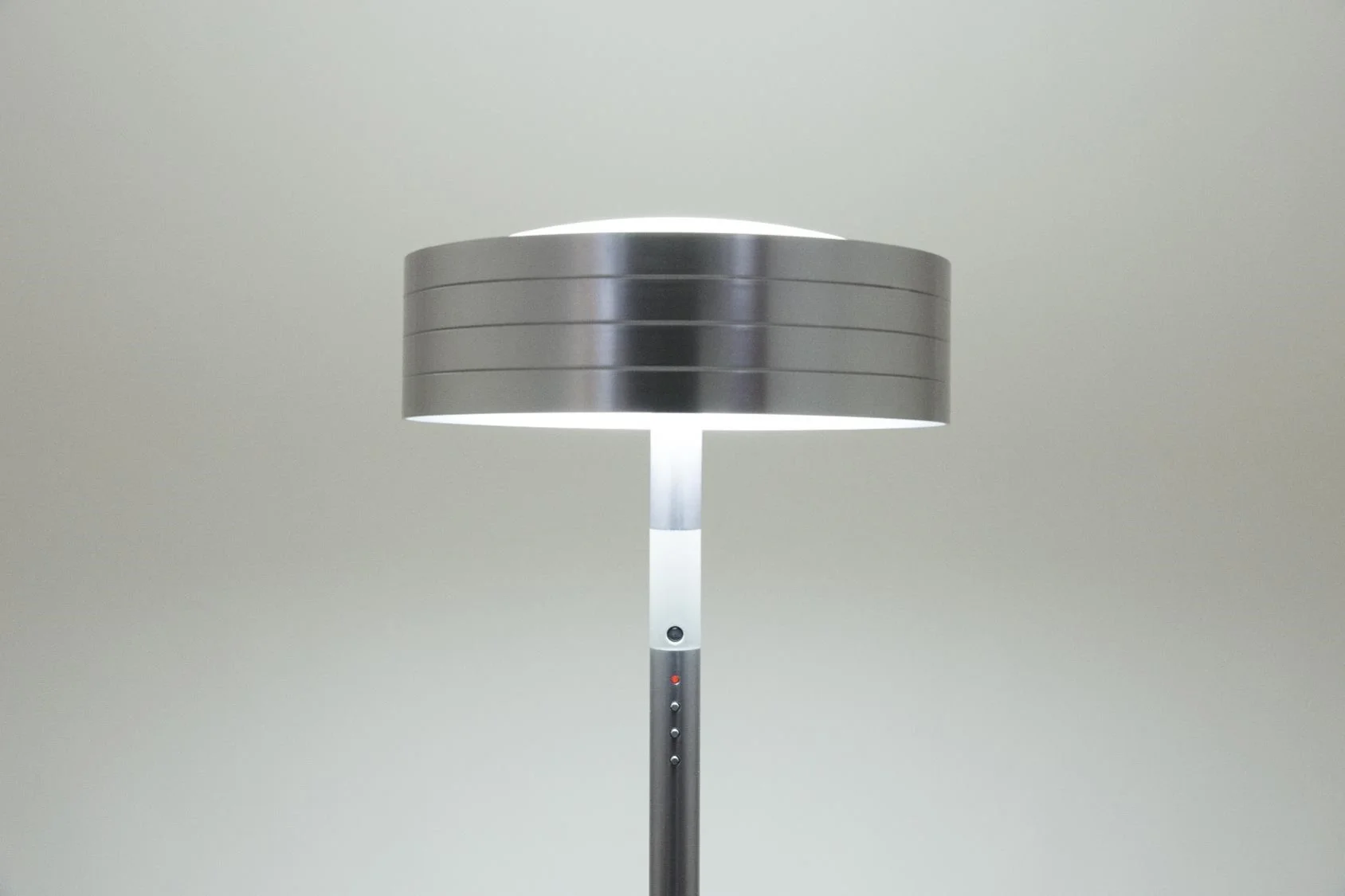
Cooler colors…
Sync your lamp and enable features
Go to the User Wiki and read the instructions on syncing your lamp to local time and enabling additional features like simulated sunrise and bedtime reminders. You will also find information and ideas on how to best use your lamp.
Congratulations on your choice of the healthiest lighting system on earth.